The test bench
Things a website can do without a single line of JavaScript.
Everything below is running live, right now, in plain CSS. Scroll slowly — most of it is driven by the scroll itself. Each one says how it works and what it would be for.
Fair warning: this page is showing off, which the rest of the site deliberately doesn’t. If your browser is set to reduce motion, it will respect that and hold still.
01 · radio buttons + :has()
Your brand, swapped in live
Every colour on our sites lives in one data file, so rebranding a page is changing tokens, not redesigning it. Press one — the whole little website below changes clothes at once.
The same page, wearing your colours.
Every surface of this little site just changed with you — background, ink, buttons, the lot. The markup never changes. Only the tokens do.
02 · resize: horizontal — the browser’s own handle
Before and after the grade
Every photograph on this site goes through one grading pass — warmth up, contrast lifted, colour pulled toward the paper-and-persimmon register — so the whole set reads as one. Drag the handle at the bottom-right corner of the divider: graded on the left, straight out of the file on the right.
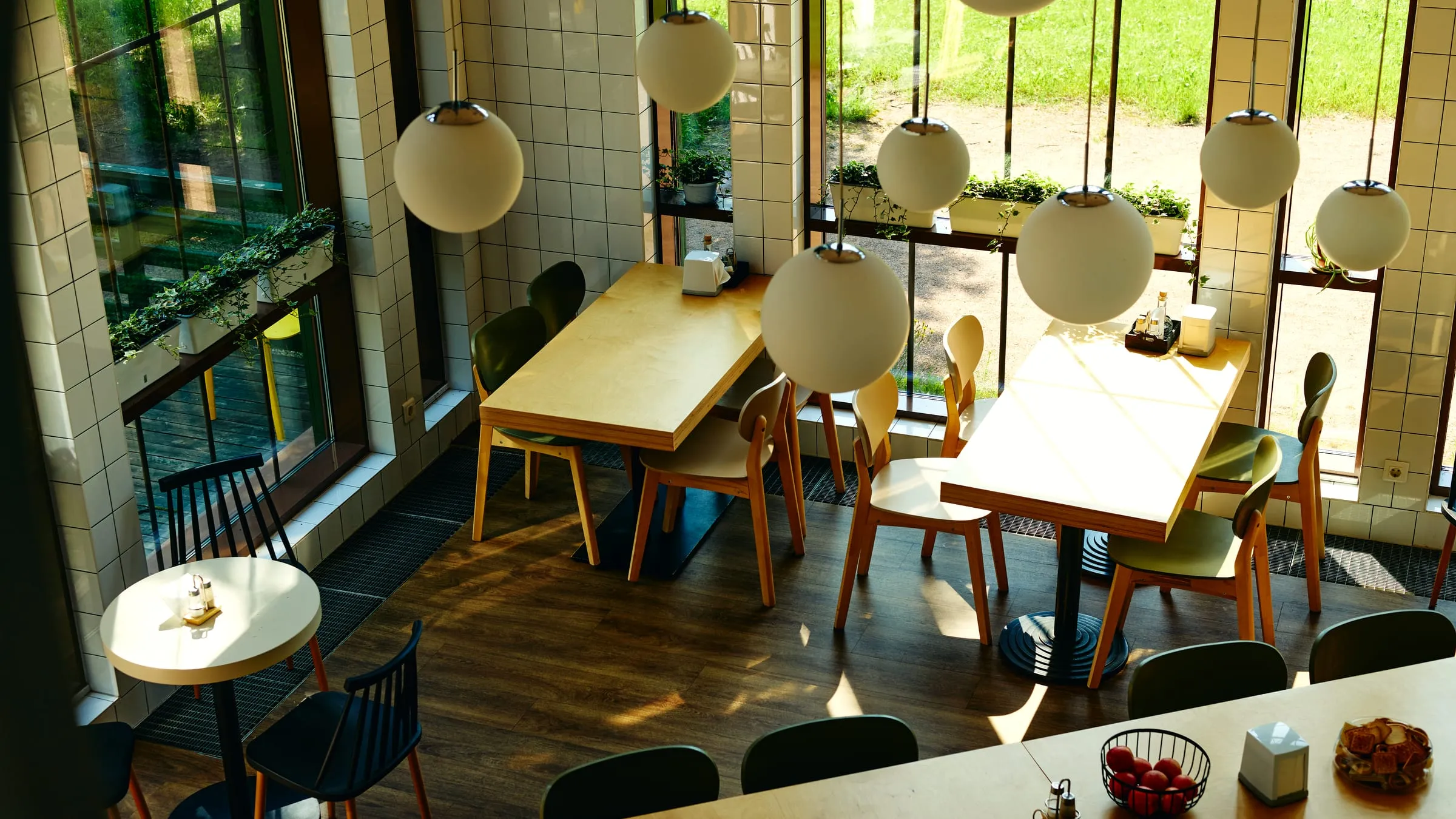
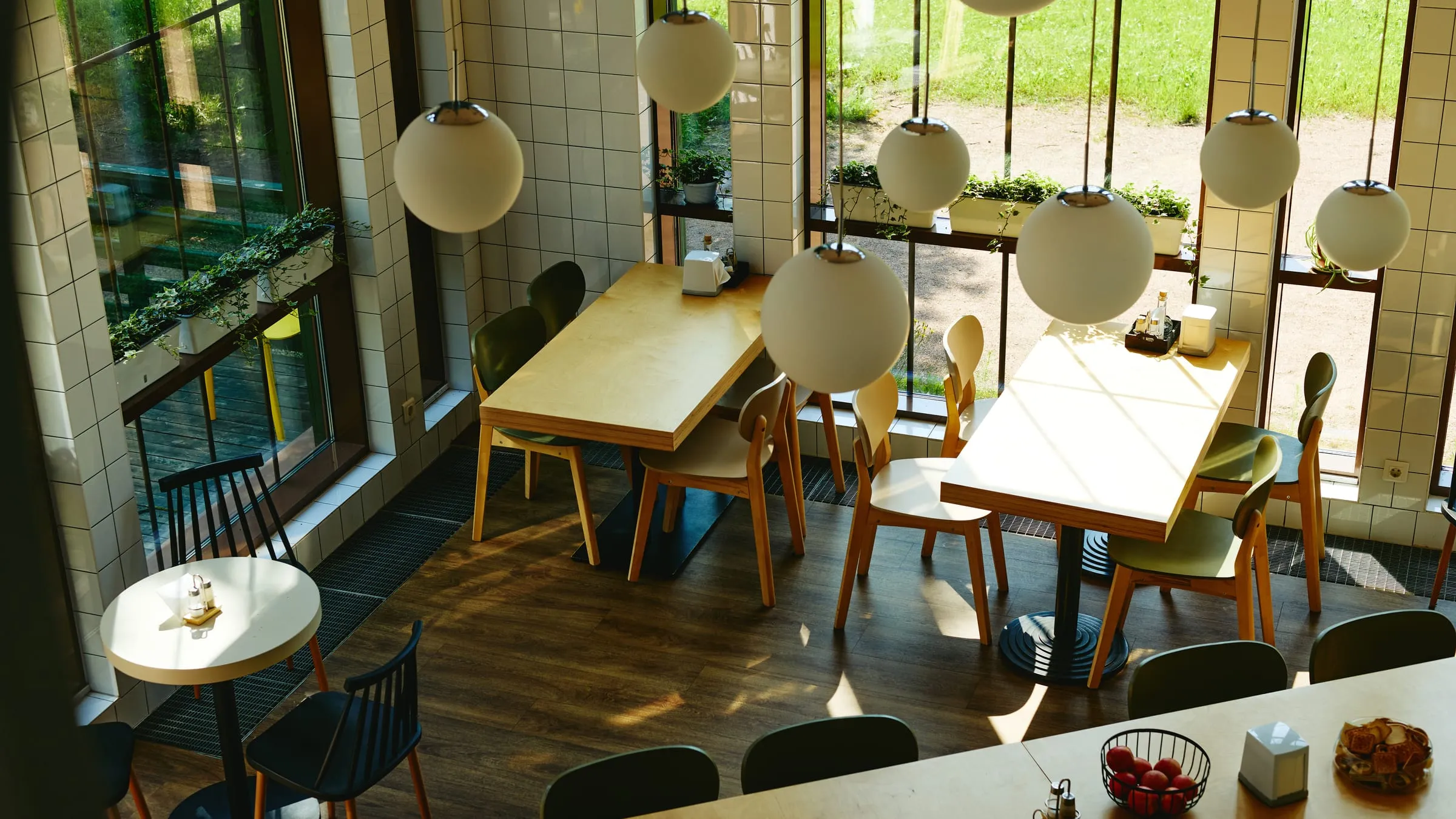
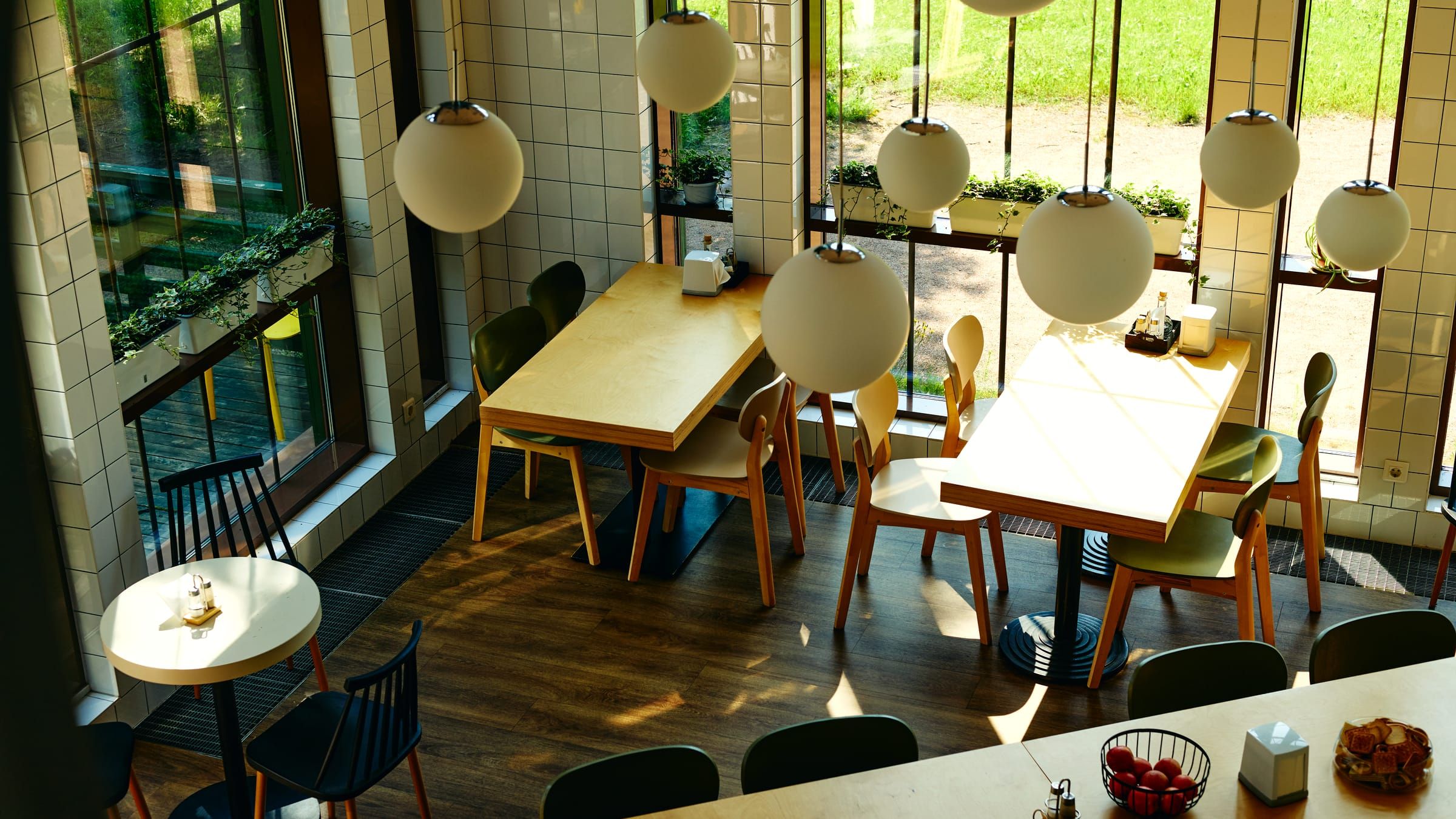
The handle is the browser’s native resize control, which is why it sits in the corner rather than mid-edge. A slider in the middle would need script; this needs none. If you can’t drag it, nothing is hidden — the fully graded frame appears in the next section.
03 · animation-timeline: view()
The scroll is the timeline
The dot below is your scrollbar. Scroll slowly and watch it cross the track; scroll up and it comes straight back — there’s no clock and no script, the scroll position itself is the animation’s progress.
Rise one
Staggered by shifting each block’s animation range, not by delays — a scroll timeline has no clock to delay against.
Rise two
Reduced motion flattens all of this to plain, still content. That’s a feature, not a fallback.
Rise three
Browsers without scroll timelines get the finished state immediately. Nothing is ever hidden from anybody.
04 · a scroll-filled meter · SVG pathLength
Numbers that earn their movement
The bars below fill as they scroll into view. The numbers themselves are plain text and always correct — we tried a counter that counted itself up, and threw it out, because any browser that couldn’t run the trick showed the wrong number. A wrong number is worse than a still one.
100per cent of this page working without script
0cookies, trackers, or third-party requests — that bar stays empty on purpose
The line above draws itself on the way in — the same trick our charts would use, and it costs one SVG path and four lines of CSS.
05 · position: sticky + an exit-range animation
Cards that shelve themselves
Each card holds at the top while the next slides over it, dimming as it’s buried. It’s how we’d present a long menu or a service list without the page feeling long.
First
A thing you offer
Stays put while the next one arrives. No script, no observer — sticky positioning and an exit-range animation.
Second
Another thing you offer
Scroll back up and it un-buries itself — the scroll is the timeline, so it runs in both directions.
Third
The last thing
Used sparingly, this earns its place. Used everywhere, it’s a fairground. We’d use it once.
06 · one variable font, weight ridden by the scroll
Type that sets itself
The headline below arrives feather-light and settles to its full weight as it enters — one font file doing the work of six, steered by the scroll. Reduced motion gets the settled state straight away. You’ve already seen it working: every heading on the site now does this.
Weight is a dial, not a file.
07 · the same scrim discipline, after dark
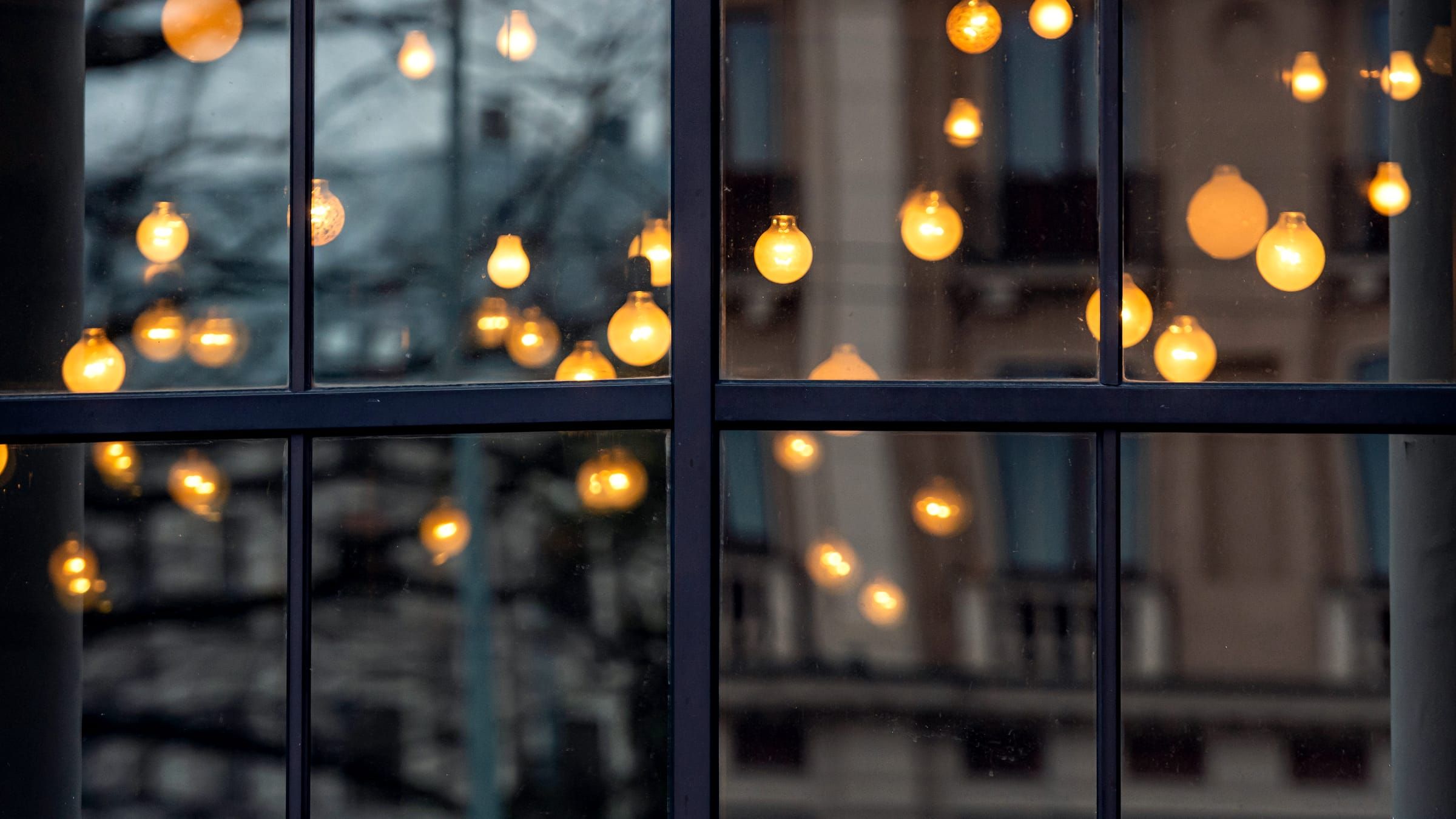
Dark bands, same rules
Every photographic band on this site — bright street or midnight window — carries the same contrast maths, so the words stay readable whatever sits behind them.
08 · scroll-snap, sideways
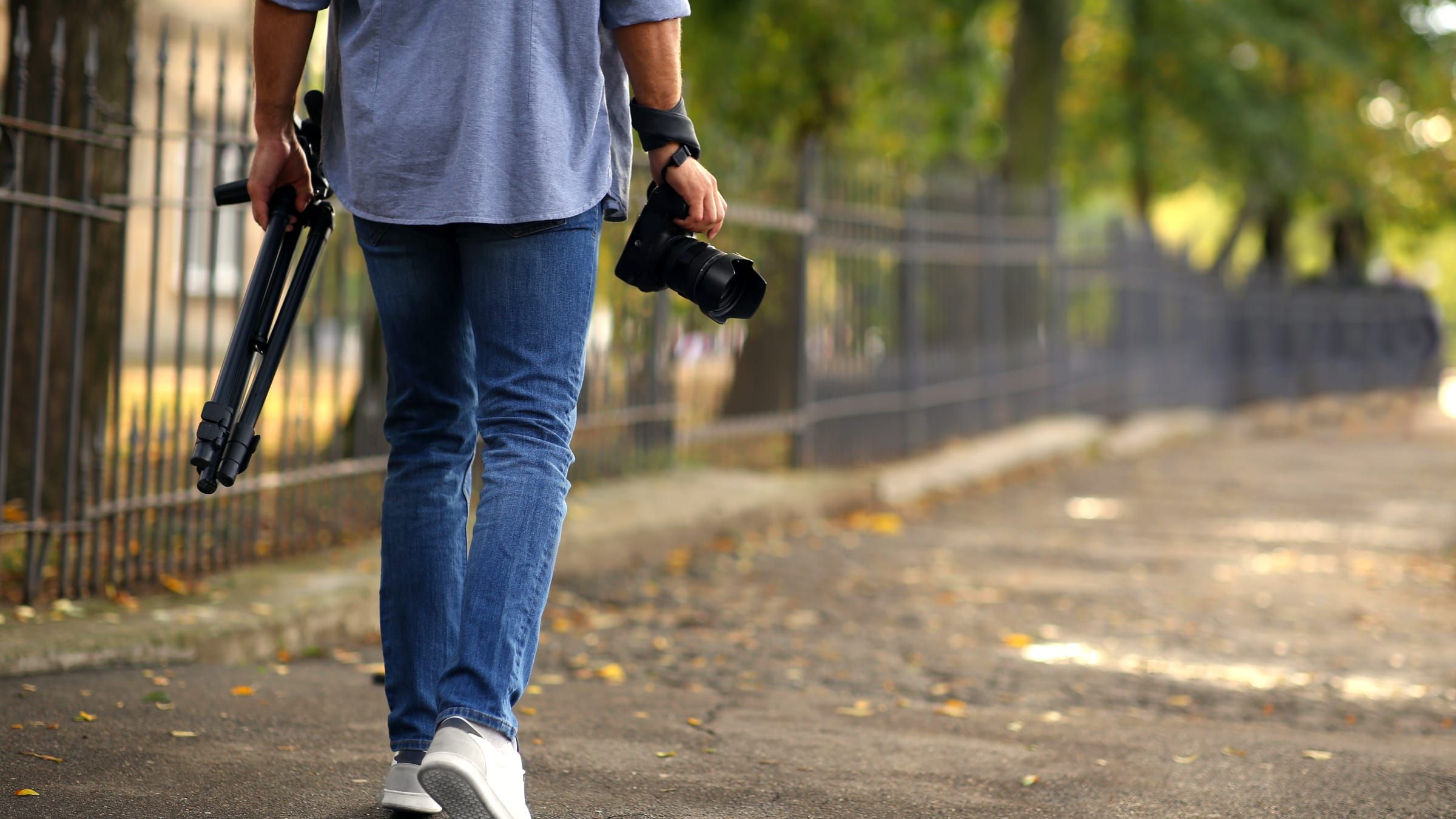
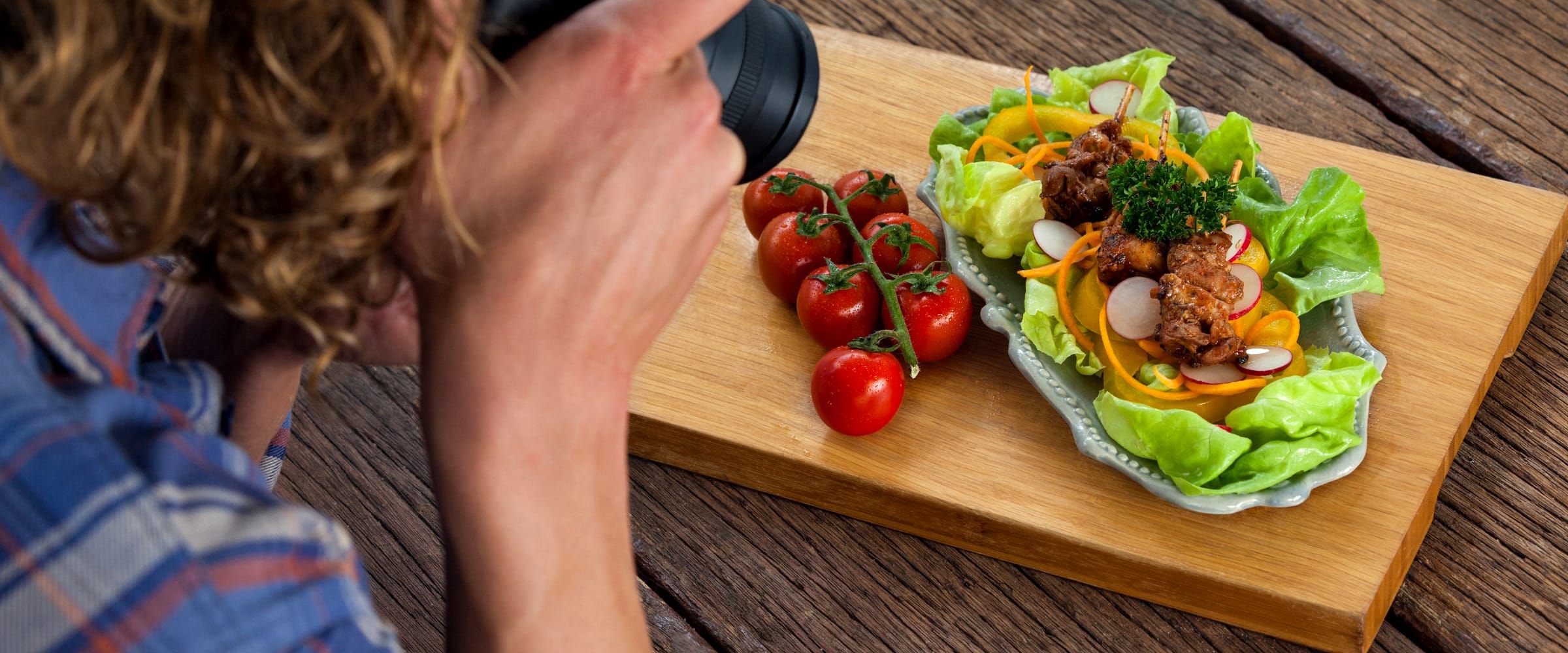
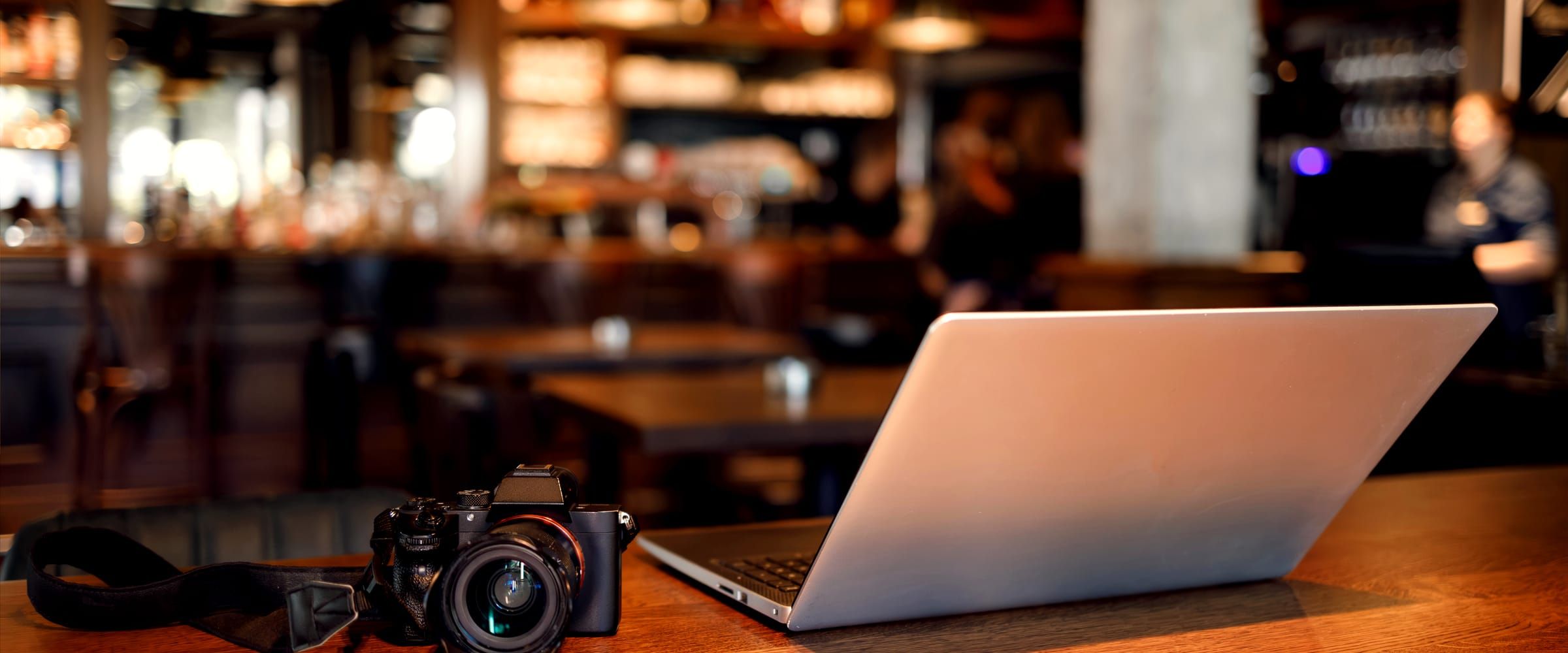
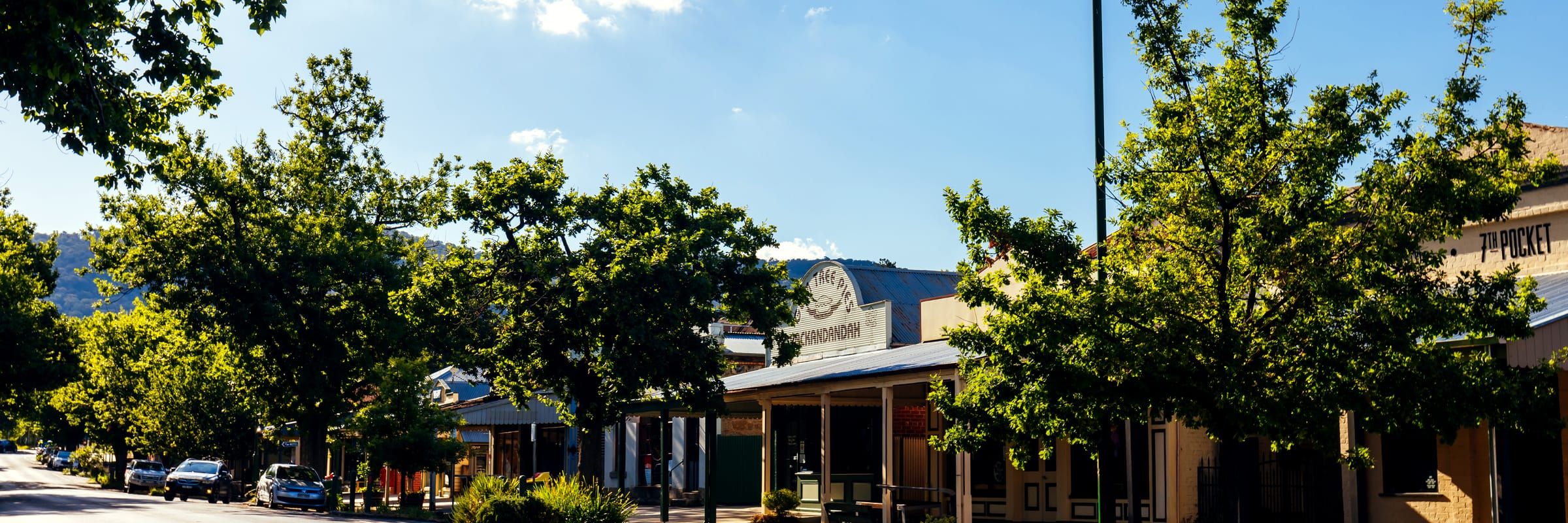
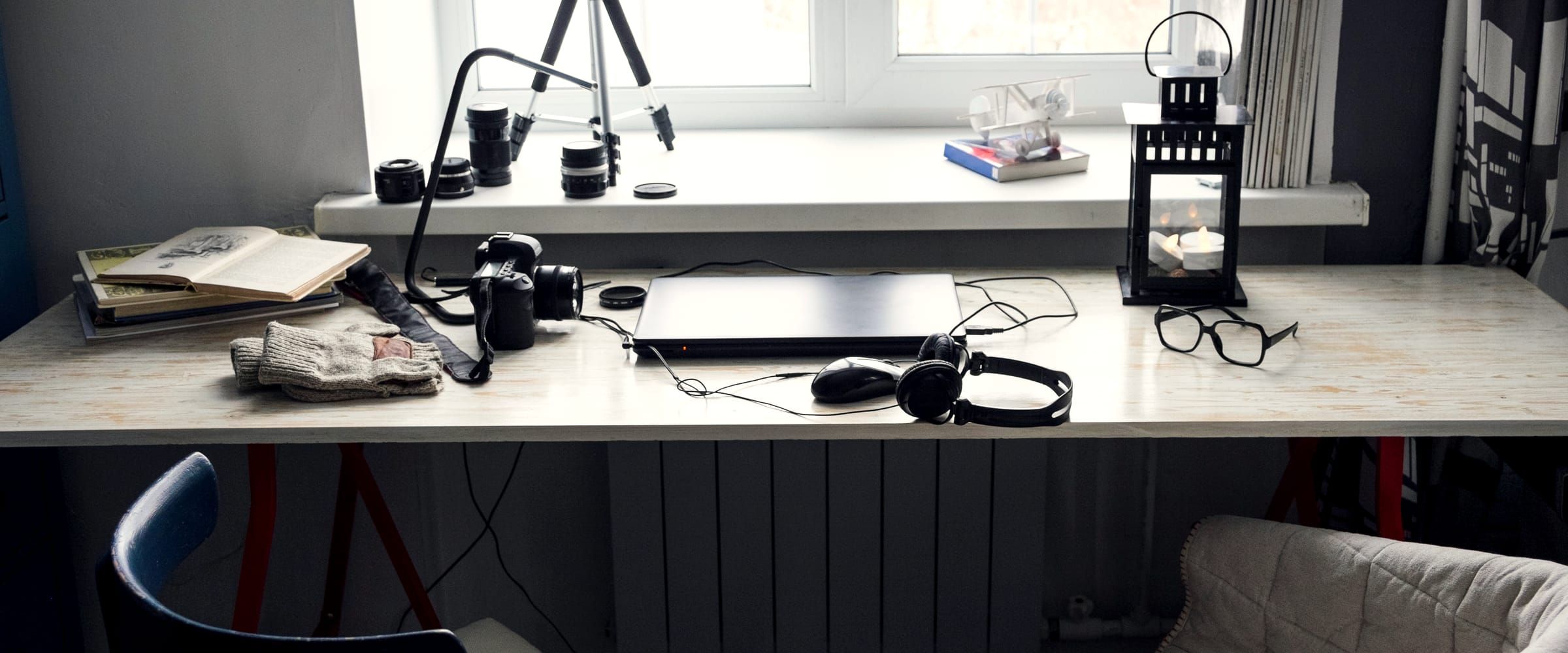
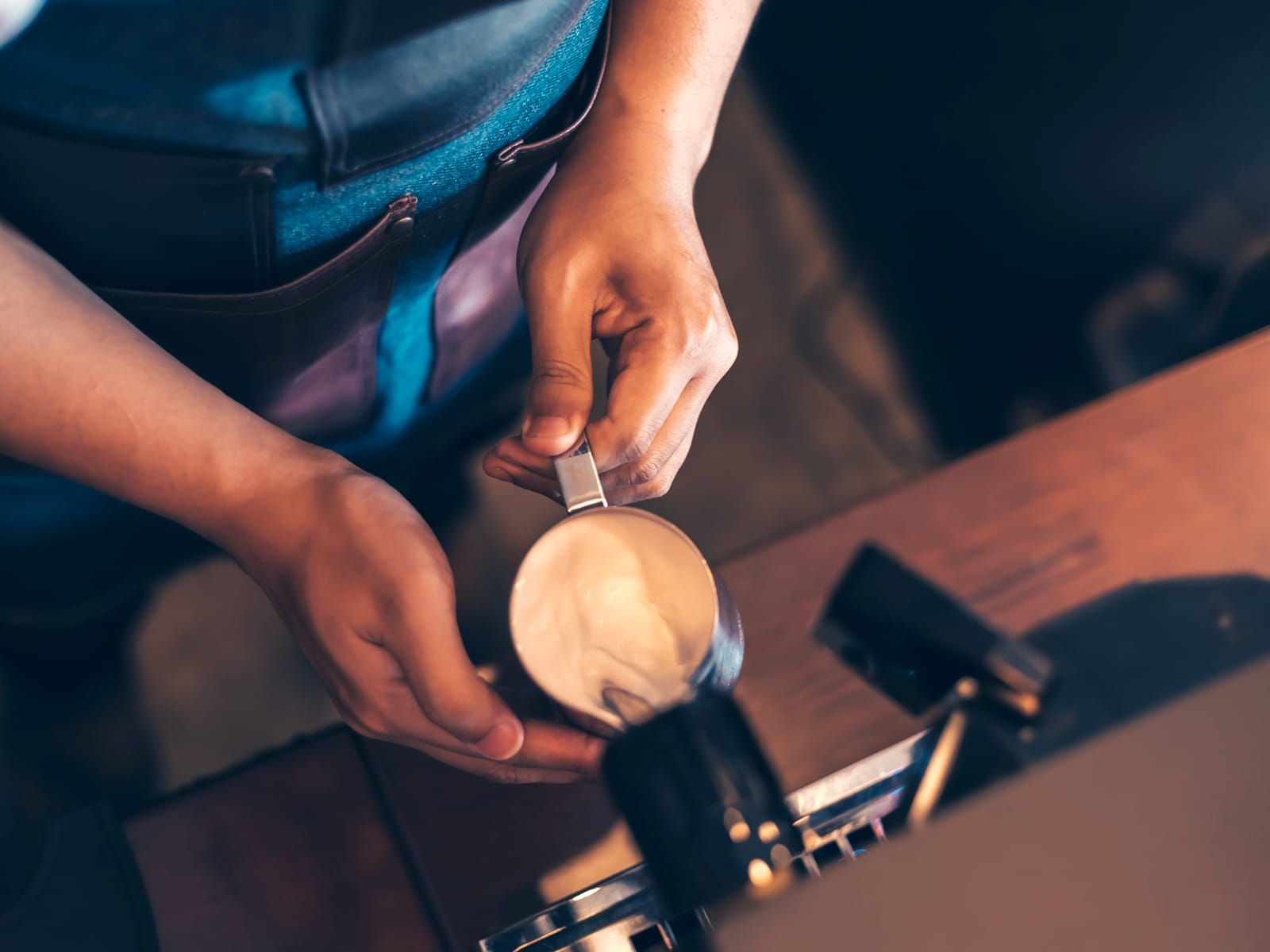
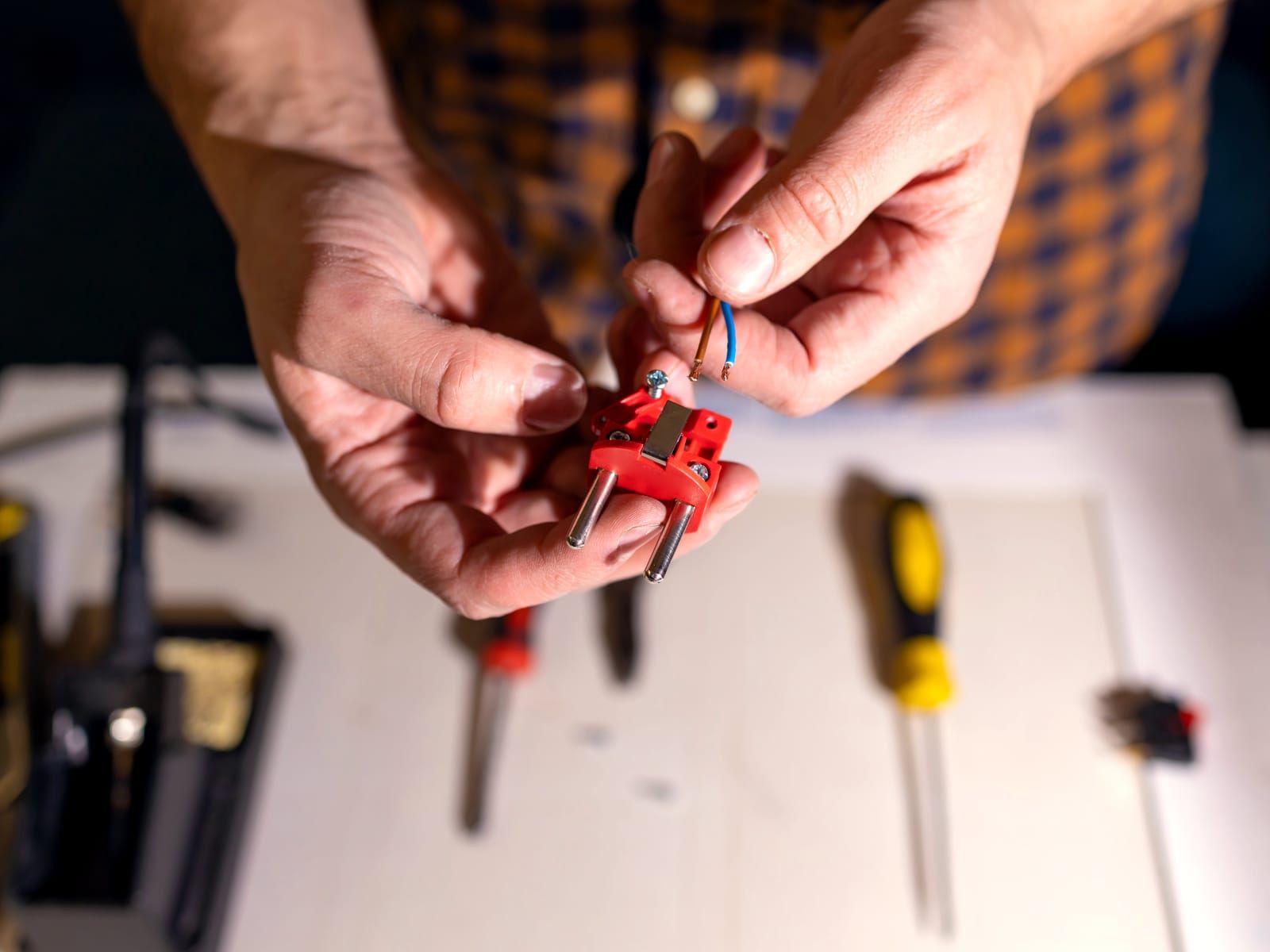
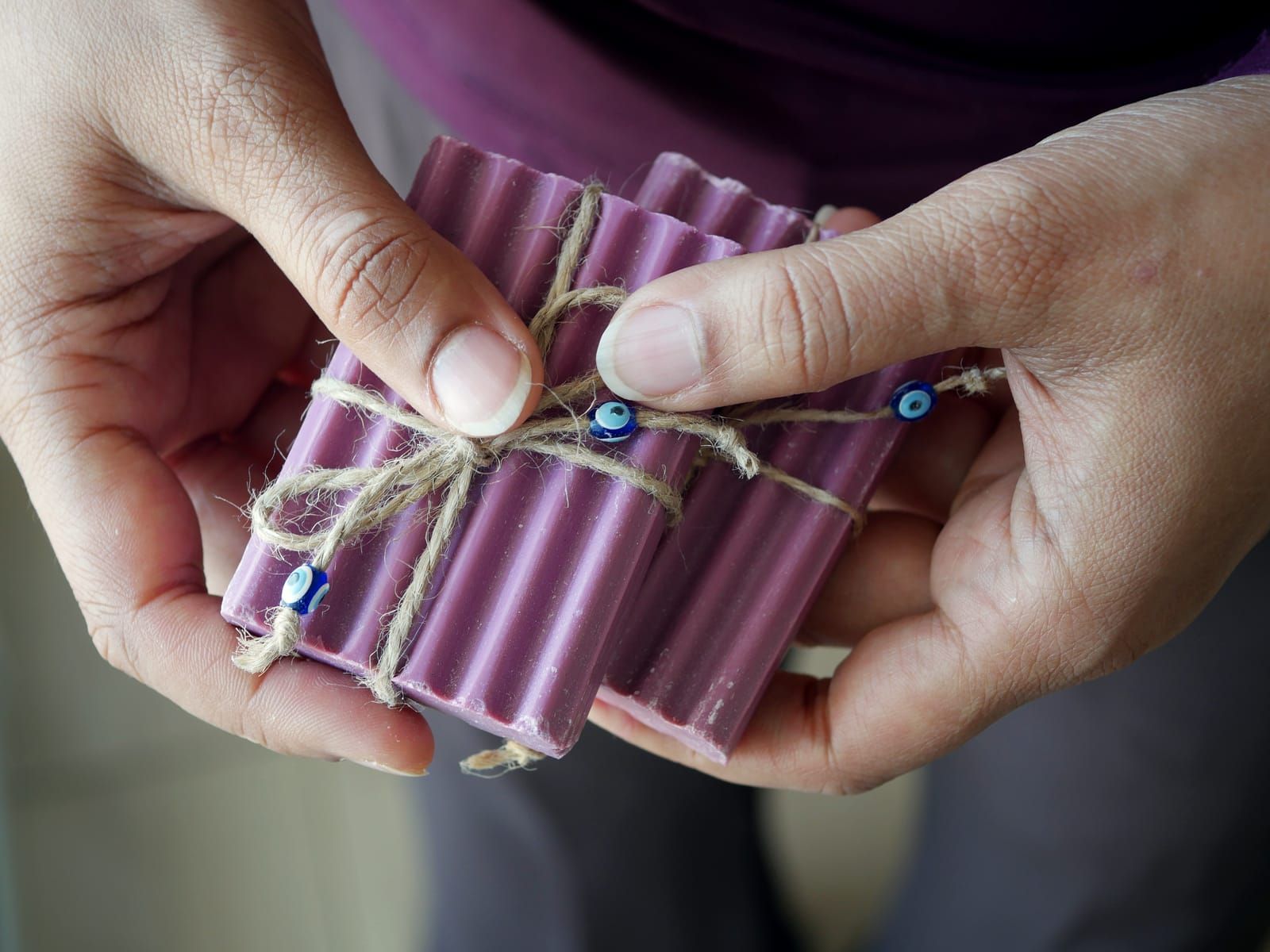
Every photograph on the site, one swipe
Every photograph on the site, in one strip. Swipe through — the strip snaps without a line of script, and in newer browsers it grows real dots and arrows below, generated by the browser itself, keyboard and all.


09 · a feathered mask, scrubbed by the scroll
Photographs that develop
No sliding, no fading — the picture materialises through a soft edge that sweeps across as it enters, like a print coming up in the tray. Scroll back up and it un-develops.
10 · mix-blend-mode: color, fading out on entry
Brand colours first, real colours after
The photo arrives wearing the brand — a two-tone tint in our ink and persimmon — and resolves to its true colours as it settles into view. For a client, those would be their colours.
11 · background-clip: text, position scrubbed
Ink that follows your eye
The line below fills from faint to full ink at the pace you scroll past it — a highlighter that keeps up with the reader and never gets ahead.
A sentence worth reading twice reads itself in.
12 · words split at build time, staggered by range
One word at a time
Each word lifts into place a beat after the one before it. The splitting happens when the site is built, not in your browser — still not a line of script — and a screen reader hears one ordinary sentence.
Every word earns its place on the page.